
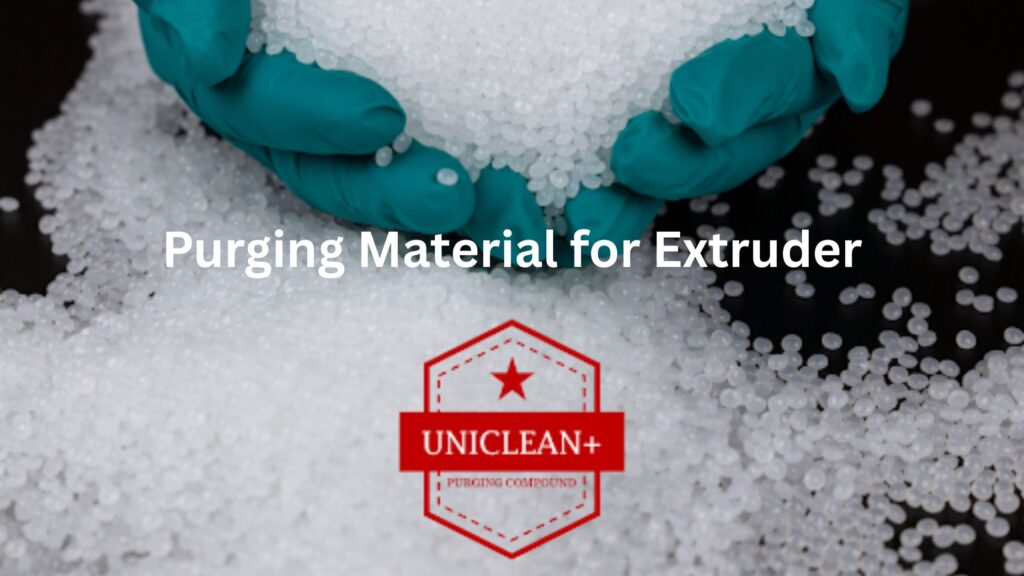
Black specks in your extrusion line can be very frustrating. You start a fresh run, material looks fine at first, then suddenly small black dots appear in the product. Customers complain. Scrap increases. Production slows down.
If this keeps happening, your machine is trying to tell you something.
Let’s break down the real reasons behind black specks and how using the right purging material for extruder can solve the issue.
What Are Those Black Specks Anyway?
In most cases, black specks are burnt polymer or carbon buildup inside the barrel and screw. Over time, leftover resin sticks to hot metal surfaces. It degrades. It turns dark. Then it breaks loose and flows into your new production run.
This usually happens during:
- Color changes
- Material changes
- Long production runs
- High temperature processing
- Poor shutdown cleaning
Even small leftover residue can cause visible contamination.
Heat + Time = Trouble
Extruders run hot. That’s normal. But when material sits too long inside the barrel, it starts to degrade. Especially engineering plastics processed at high temperature.
If you don’t clean properly between runs, those burnt particles stay inside. They don’t disappear. They wait.
Next time you run a light color or natural resin, the black specks show up clearly.
Poor Changeover Cleaning
Many processors try to clean with virgin resin only. That rarely removes deep carbon deposits. It only pushes loose material out.
This is where a proper purging materialfor extruder becomes important.
A good purging compound is designed to scrub the screw and barrel walls. It removes carbon, color residue, and trapped material. It cleans areas that regular resin cannot reach.
At UNICLEANPLUS, the purging compounds are made specifically for thermoplastic extruders. They help reduce contamination during color and material changeovers.
Signs Your Machine Needs Purging
Watch for these warning signs:
- Random black specks in output
- Color streaking
- Longer cleaning time during changeovers
- Smoke during startup
- Inconsistent melt flow
If you see two or more of these, your extruder likely has buildup inside.
How to Fix the Problem
Here are practical steps you can take:
1. Use the Right Purging Material for Extruder
Choose a compound that matches your processing temperature. Temperature matters. Wrong grade will not clean properly.
2. Follow Correct Purging Steps
- Empty old resin
- Run purging compound at recommended temperature
- Keep screw speed moderate
- Let compound sit inside for few minutes if needed
- Repeat until discharge is clean
Don’t rush this step. A quick purge is often not enough.
3. Purge During Shutdown
Before shutting down for long breaks, run purging material. It prevents polymer from burning overnight.
4. Schedule Preventive Cleaning
Don’t wait for black specks to appear. Regular purging reduces scrap and machine wear.
Summary:
Black specks cost money. Scrap increases. Customers lose trust. Production stops.
Using proper purging material for extruder improves product quality, reduces downtime, and protects your screw and barrel.
At UNICLEANPLUS, we help plastic processors reduce contamination issues with reliable purging compounds for extrusion lines. If black specks are becoming common in your plant, it may be time to review your cleaning process.
Sometimes the fix is simple. You just need to clean deeper.